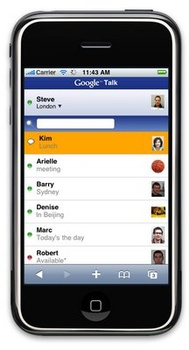
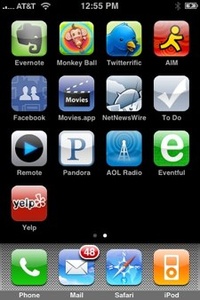
 It’s a gorgeous day outside so why not go shopping? Indoors. In front of my computer. At the App Store.
Yes, Apple’s App Store has arrived in iTunes via a free software update for older iPhones and the iPod Touch ($10 fee); it will be included on the iPhone 3G, available tomorrow. And it’s everything we hoped it would be, with a few exceptions.
As you would expect, the App Store is easy to browse, shop, and purchase, just like it is in iTunes for music and video. It’s colorful, well-organized, informative, and fun.
For now, though, I must window shop. The 2.0 software update hasn’t arrived for me to load programs and begin playing.
Nevertheless, I could still shop, and I never even broke a sweat.
The Process
It’s just like buying music or video.
All apps are nicely organized into categories: New, What’s Hot, Staff Favorites, Quick Links, Top Apps, Top Free Apps, in addition to Business, Education, Entertainment, Finance, Games, Healthcare & Fitness, Lifestyle, Music, Navigation, News, Photography, Productivity, Reference, Social Networking, Sports, Travel, Utilities, and Weather.
Each app page includes all the information you need to make a purchase: multiple screenshots (a nice touch), a (usually) detailed description, appropriate links (developer’s site, support, license agreement), and social touches like Tell A Friend.
When you download an app, be careful. For free apps, it’s no problem. Click on “Get App” and the program immediately begins downloading. When it’s done it shows up in your library under “Applications.”
Continue reading »

 Long rumored, finally here. Netflix is coming to the Xbox 360.
 While we’re
 With the launch of Apple’s MobileMe just a day away, I have to wonder: How revolutionary will it be?